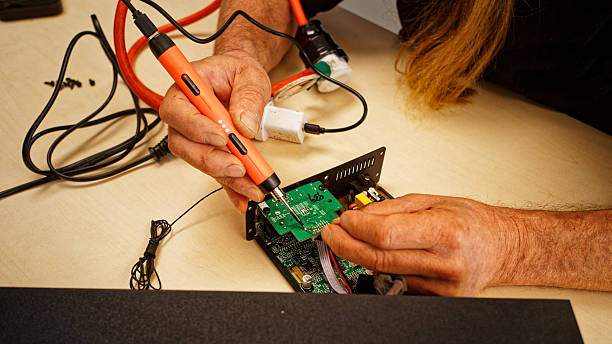
Nutilo mėgstama garso kolonėlė? Neveikia stiprintuvas ar radiją užklupo tyla? Nesiskubinkite išmesti – dauguma garso technikos gedimų yra pataisomi!
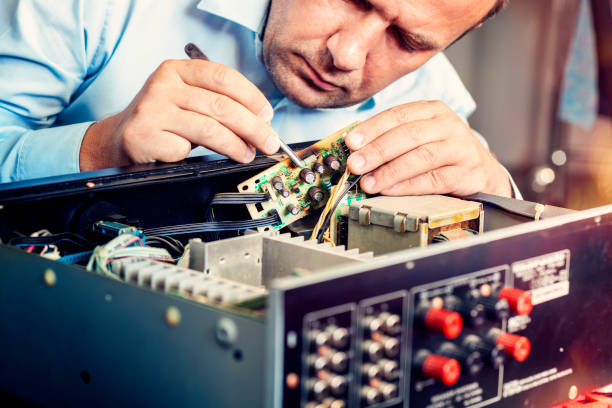
„TechRemontas” komanda specializuojasi visų tipų garso įrangos remonte – nuo buitinių Bluetooth kolonėlių iki profesionalios studijinės įrangos. Mūsų meistrai turi ilgametę patirtį ir dirba su visais populiariais gamintojais: JBL, Sony, Bose, Marshall, Harman Kardon, Yamaha, Denon ir daugeliu kitų.
✅ Kodėl rinktis mus?
- Diagnostika – tiksliai nustatysime gedimo priežastį
- Greitas remontas – daugumą darbų atliekame per 5-7 darbo dienas
- Garantija darbams – kokybę patvirtiname garantiniu laikotarpiu
- Originalios ir kokybiškos dalys – ilgaamžiškumui užtikrinti
✅ Mes taisome:
- Taisome visų tipų tiek automobilinę garso techniką, tiek namų garso techniką.
- Automobilinės multimedijos remontas
- Automobilinių garso stiprintuvų remontas
- Automobilinių magnetolų remontas Blaupunkt, Manta, Philips, Sony, Pioneer ir kt.
- Garso blokų remontas
- Aktyvių garso kolonėlių remontas
- Namų garso stiprintuvų remontas
- Namų kinų remontas Sony, Samsung, Philips ir kt.
- Garso sistemų remontas JBL, Panasonic, Samsung, Sony ir kt..
- Nešiojamų grotuvų remontas
- Muzikinių centrų remontas Blaupunkt, ION, Panasonic, Philips, Pioneer, Samsung, Sony ir kt.
- Radijo imtuvus Adler, Blaupunkt, Camry, Doping, Hama, ION, Kenner, Panasonic, Philips, Satzuma, Sony ir kt.
📍 Dirbame visoje Lietuvoje
Paslaugas teikiame Vilniuje, Kaune, Klaipėdoje ir Šiauliuose.
- Vilniuje – Kareivių g. 11A “RIMI” +370-655-77057
- Kaune – Savanorių pr. 155 +370-639-69600
- Klaipėdoje – Sausio 15-osios g. 13 +370-647-07741
- Šiauliuose – Gegužių g. 30 “Arena” +370-682-29052
Susisiekite jau šiandien – grąžinsime garsą į jūsų gyvenimą! 🔊
Jei esate apsidraudę, galime išrašyti remonto aktą draudimo bendrovei.
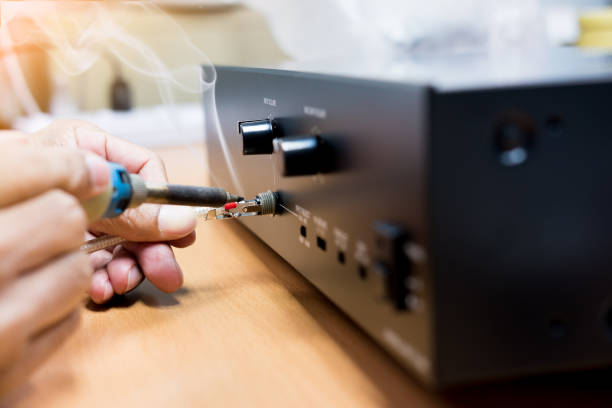
Garso technikos remontas – dažniausiai pasitaikantys gedimai
Prieš veždami tam tikrą techniką remontui, pirma patikrinkite, gal ji nėra sugedusi ir galite problemas išspręsti patys.
1. Garso stiprintuvas neįsijungia
Jei šis stiprintuvas yra automobilinis, prieš vežant patį stiprintuvą remontui, patikrinkite priežastis automobilyje. Tikėtina priežastis – neprijungtas nuotolinio įjungimo laidas. Jei su šiuo laidu yra problemų arba jis neteisingai prijungtas, stiprintuvas neįsijungs. Be to, patikrinkite ar nėra nutrūkęs arba atsilaisvinęs maitinimo laidas, ar nėra atjungtas įžeminimo laidas, ar nėra neteisingai prijungtas arba maitinamas stiprintuvas. Bet kuris iš šių dalykų gali lemti, kad stiprintuvas neįsijungs.
Jei jūsų namų stiprintuvas neįsijungia, problemos gali būti panašios į automobilinio stiprintuvo. Pavyzdžiui, jei neteisingai jį prijungėte arba turite atsilaisvinusius ar nutrūkusius kabelius, jis neveiks. Be to, nepamirškite patikrinti visų dažniausiai pasitaikančių, lengvai nepastebimų problemų.
- Ar jis įjungtas į elektros lizdą?
- Ar kitas maitinimo laido galas patikimai prijungtas prie stiprintuvo?
- Ar sieninis elektros lizdas veikia?
- Ar jį įjungėte?
Tai gali atrodyti juokingi patarimai, bet nustebsite, kaip dažnai žmonės sugaišta valandų valandas šalindami gedimus tik tam, kad sužinotų, jog laidas buvo atjungtas.
2. Garso kolonėlės neveikia (nėra garso)
Jei garso kolonėlė neskleidžia garso, prieš pristatydami ją remontui mums patikrinkite galbūt galite bėdą pašalinti patys:
- Sureguliuokite garso sistemos garsumą. Gali pasirodyti kvaila, bet kartais garsiakalbiai gali prarasti garsą, jei jis per mažas arba per didelis. Daugelyje garsiakalbių sistemų būna įrengti apsauginiai paleidikliai, kurie neleidžia joms pernelyg garsiai dirbti. Jūsų įrenginys taip pat gali neleisti, kad jis būtų per aukštas.
- Patikrinkite, ar garsiakalbiai nėra užtildyti. Nutildyti garsiakalbiai niekada neskleis garso, todėl jūsų sprendimas gali būti paprastas – išjungti patildymą. Patikrinkite garsiakalbius, imtuvą ir prietaisą, kurį naudojate garsui atkurti. Visų trijų jų garsiakalbių garsas turėtų būti neišjungtas.
- Sutaisykite, pakeiskite arba perjunkite visus laidus. Be to garsiakalbiai gali traškėti, jei yra laisvų jungčių. Patikrinkite visus juos, kad įsitikintumėte, jog laidai tinkamai prijungti.
- Apžiūrėkite sistemos išvesties įrenginį (išmanųjį telefoną, nešiojamąjį kompiuterį, televizorių, pramogų sistemą ir t. t.). Šie įrenginiai gali būti problemos šaltinis, nes jie turi atskirus nutildymo mygtukus. Prieš tikrindami juos, sumažinkite garsiakalbio garsumą, kad atlikus reikiamus įrenginio nustatymus jie neskleistų didelio triukšmo.
- Įsitikinkite, kad nustatėte tinkamą garsiakalbių kanalą. Kai kurie garsiakalbiai turi kelis kanalus, todėl būtina patikrinti, ar jie nustatyti tinkamai. Jei garsiakalbiai prijungti prie 1 kanalo, bet imtuvas atkuria garsą 2 kanalu, per juos nesigirdės jokio garso.
3. Namų kino sistema neveikia
Tai gali būti ekranas arba projektorius, kabeliai, šaltinio įrenginys, imtuvas arba nuotolinio valdymo pultas. Imkitės pamatuotų veiksmų, kad atmestumėte kiekvieną grandį ir nustatytumėte kaltininką.
Jei ekranas visiškai nieko nerodo, gali būti, kad televizoriuje arba projektoriuje yra maitinimo problema arba gedimas. Taip pat gali būti, kad neveikia nuotolinio valdymo pultas arba nuotolinio valdymo pulto signalas nepasiekia reikiamo jutiklio. Jei projektorių ar televizorių galite įjungti rankiniu būdu, problema greičiausiai yra nuotolinio valdymo pultas. Priešingu atveju patikrinkite maitinimo kabelius ir maitinimo šaltinius.
Jei ekranas įsijungia, bet negauna signalo, problema yra kažkur kitur grandinėje. Perjunkite skirtingus įėjimus. Išbandykite kelis šaltinio įrenginius, pavyzdžiui, kabelinės televizijos dėžutę ir žaidimų konsolę. Patikrinkite, ar kabeliai gerai prijungti. Jei negalite nustatyti problemos šaltinio, gali prireikti namų kino sistemos remonto, kurį atliks mūsų technikas.
Jei išbandžius visus patarimus problemos neišsisprendė, kreipkitės į „TechRemonto” meistrus ir mes jums padėsime.