Vilnius · Kaunas · Klaipėda · Šiauliai

Mitsubishi navigation maps and updating them

We update Mitsubishi navigation maps for MMCS, Melco / Grandis, W11–W12, W13, W15 and E12 systems. We provide a 12-month warranty for the work.

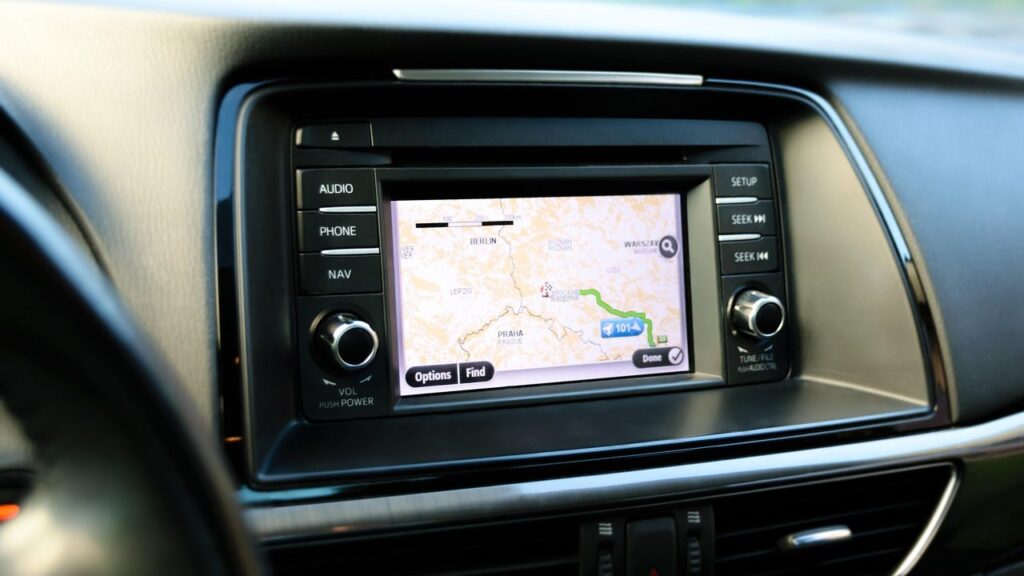
Alfa Romeo car navigation screen with a map

techremontas.lt Repair receipt

warranty on the update
12 months
initial diagnostics
€10
fault identification
1–2 days

Price agreed before repair · warranty on work

Which city is more convenient for you?

Vilnius

Kareivių g. 11A, Žirmūnai

„Rimi“ next to McDonald’s

Kaunas

Savanorių pr. 155, Žaliakalnis

Klaipėda

Sausio 15-osios g. 13

Next to „Avitela“

Šiauliai

Gegužių g. 30

PC „Arena“

  • Diagnostics within 1–2 days
  • Price agreed in advance
  • Mon–Fri 9–18
  • All contacts

If your Mitsubishi navigation sends you the wrong way where a new street or roundabout has already been built, the car’s screen still has an old map. At our service point we update the maps of Mitsubishi MMCS, Melco / Grandis, W11–W12, W13, W15 and E12 systems. Below you will find which systems and models we service, how to recognise an outdated map and what to know before you come.

You can find general information about updating maps for all brands on the main navigation update page. Here is only what matters to a Mitsubishi owner.

  • How much does an update cost? We tell you the price after diagnostics and agree on it in advance, before any work. The initial diagnostics cost 10 €, and the work is carried out only with your consent.
  • What warranty is provided? We provide a 12-month warranty for map updates.
  • Which systems do you update? The maps of Mitsubishi MMCS, Melco / Grandis (CD 1–3), MMCS W11–W12, W13, W15 and E12 systems.
  • Where and when can I come? The Vilnius and Kaunas service points are listed for this update. Service points are open Mon–Fri 9:00–18:00 and closed at weekends.
The most common complaints related to Mitsubishi navigation maps

Below are the symptoms people come to us with regarding navigation. The exact cause is determined by diagnostics.

0110 €

The navigation shows an old map

WhyThe map has not been updated, so new roads and roundabouts are not recorded in it.

Check yourselfCheck which map version the system menu shows and write it down.

What we doWe update the map according to your system type and the car’s year. We tell you the price after diagnostics and agree on it in advance.

0210 €

The navigation does not work after an update

WhyMost often the map version is incompatible or the files were written incorrectly.

Check yourselfMake a note of what was updated and when, and what message the screen shows.

What we doDiagnostics identify the cause within 1–2 business days, after which we agree on the price and the timeframe.

0310 €

The screen does not show a map or there is no data

WhyThe cause may be map data that is incompatible with the system, or a fault in the unit itself. It depends on the model.

Check for yourselfTake a photo of the message on the screen and show it to the technician.

What we doDiagnostics show whether rewriting the map is enough or a deeper repair is needed. We carry out repairs only with your consent.

0410 €

The map of the country you are travelling to is missing

WhyThe list of countries differs between systems and CD sets, so some countries may not be included in your version.

Check for yourselfCompare your system with the list on this page.

What we doWe check which version is installed in your car and tell you which update can be performed.

How much it costs to update Mitsubishi maps

We do not list specific update prices on this page – we tell you the price after diagnostics and agree on it in advance.

Diagnostics

ServicePriceWarranty
Initial diagnostics10 €–

Update

ServicePriceWarranty
MMCS map updateafter diagnostics12 mo.
Melco / Grandis CD mapsafter diagnostics12 mo.
MMCS W11–W12, W13, W15 updateafter diagnostics12 mo.
MMCS E12 updateafter diagnostics12 mo.
We tell you the price after diagnostics and agree on it in advance, before any work begins; repairs or updates are carried out only with the customer’s consent, and there are no hidden fees.

Myths about updating Mitsubishi maps

  • Myth. The map version is determined only by the car model. In fact. The version depends on both the year of manufacture and the system type (MMCS, Melco / Grandis, W or E series). The same model may have a different system in different years.
  • Myth. A map on your phone completely replaces the factory navigation. In fact. A phone works as an additional option, but the factory system shows the route directly on the car’s screen. Which one to use is up to you.
  • Myth. If the map does not update, the entire navigation system has to be replaced. In fact. The cause is often an incompatible map version or files. Diagnostics show whether a deeper repair is needed, and we carry out repairs only with your consent.

Which Mitsubishi systems and models we update

The map version depends on the car’s year of manufacture and the system type, not just the model name. So before you come in, it is worth knowing what your system is called or which version the menu shows.

According to our list, updates are available for the following systems:

  • MMCS (Multimedia Communication System): ASX 2009–2012, L200 / Triton 2008–2012, Lancer 2007–2013, Lancer Sportback 2010–2013, Lancer Evolution 2008–2013, Outlander 2006–2013, Outlander Sport 2011–2013, Pajero 2006–2012, i-MiEV 2012. Lithuania (detailed map).
  • Melco / Grandis, CD 1: Ireland, Andorra, Belgium, Great Britain, Gibraltar, Iceland, Spain, Liechtenstein, Luxembourg, Monaco, the Netherlands, Portugal, France, Switzerland.
  • Melco / Grandis, CD 2: Andorra, Austria, Belgium, Italy, Liechtenstein, Luxembourg, Monaco, the Netherlands, France, San Marino, Switzerland, Vatican City, Germany.
  • Melco / Grandis, CD 3: Austria, Czechia, Denmark, Greece, Italy, Croatia, Poland, Liechtenstein, Norway, San Marino, Slovakia, Slovenia, Finland, Sweden, Switzerland, Vatican City, Hungary, Germany.
  • MMCS W11–W12, W13 and W15: Outlander, Lancer, ASX, Pajero, Pajero Sport; the W13 list also includes the Outlander PHEV.
  • MMCS E12: L200 Series 5 from 2015 and Pajero Sport from 2016.

If you are not sure about the version, take a photo of the navigation home screen and show it to the technician – this is often enough to make clear which system we are talking about.

A technician updates the car's navigation map

How to tell that the map is outdated

The first sign is that the navigation guides you „across a field” where a new street or roundabout has been built. Another is not recognizing new roads in residential areas, or showing incorrect permitted turns or speed limits.

The map lists for the W11–W15 and E12 systems include Lithuania, Latvia, Estonia, Poland and many other European countries. Before a long trip, it is worth checking that the place you are travelling to is displayed correctly.

What to know before you come in

It is best to consult the technician by phone before you set out: tell them the model, the year of manufacture and what kind of screen you have. This makes it easier to determine which system is in your car.

The initial diagnostics cost 10 €; we tell you the price after diagnostics and agree on it in advance, before starting work. We provide a warranty on our work, 12 months for map updates. Service points are open Mon–Fri 9:00–18:00 and closed on weekends.

If the map has already been updated elsewhere, tell us right away – this helps determine more quickly why the system is behaving strangely.

What to prepare before getting in touch

  • Car model and year of manufacture
  • Navigation system name or a photo of the screen
  • Map version, if shown in the menu
  • Information on whether the map has already been updated and when
  • On-screen message if the navigation does not work
  • Drop-off hours: Mon–Fri 9:00–18:00

How the map update works

  1. Consultation or drop-off. Call us for advice or bring the device to the nearest service point listed for this update (in Vilnius or Kaunas).
  2. Diagnostics. Our technicians identify the system and the problem within 1–2 business days. Initial diagnostics cost 10 €.
  3. Agreeing on price and timeline. We give you the price after diagnostics and agree on it in advance; we start work only with your consent.
  4. Update. The technician carries out the work according to the agreed plan.
  5. Pick-up with warranty. You collect the result with a warranty – map updates come with a 12-month warranty.

What else Mitsubishi owners ask about maps

Can I use free Google Maps instead of the factory navigation?

Yes, as an additional option on your phone. The factory system shows the route directly on the car’s screen, while on your phone you can prepare maps in advance – read about it in the article how to use the map in offline mode. You can find a comparison in the article about car navigation systems.

Why does the navigation not work after an update?

Most often it is an incompatible map version or incorrectly written files. Bring the device to a service point – the fault is identified within 1–2 business days.

How can I find out which system my car has?

Check the year of manufacture and the model, and if in doubt, take a photo of the navigation screen and show it to the technician. You can find the list in the section about systems on this page.

Are Lithuanian maps included?

Yes, Lithuania is included in the map lists for the MMCS (detailed map) system as well as for the W11–W12, W13, W15 and E12 systems. Lithuania is not included in the Melco / Grandis CD 1–3 sets.

Other car brands

🚗 Professional navigation map updates – prices, process and service points

Broken device?

Give us a call – we will tell you what we can do and how long it will take.

Call Find a service point