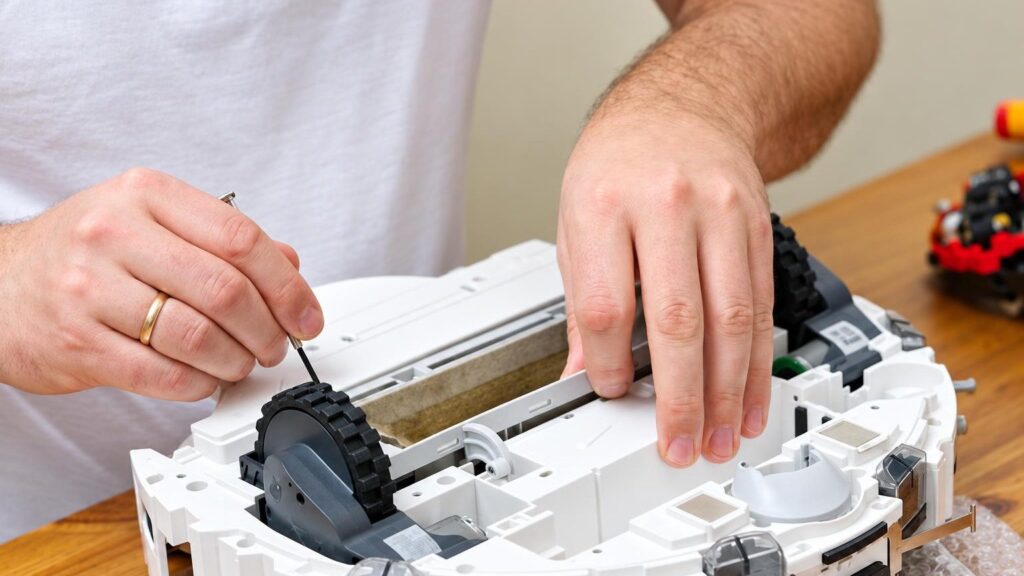
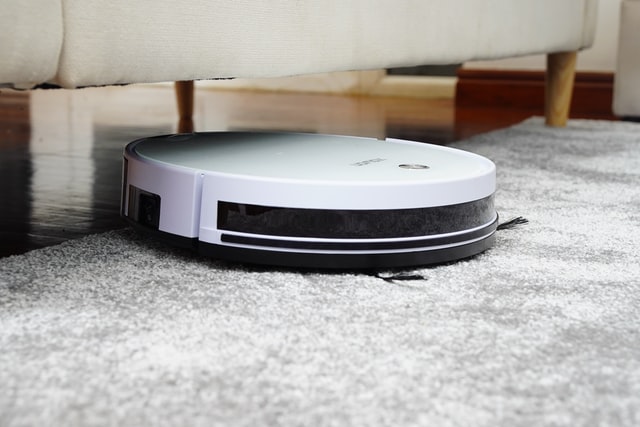
Here are the most common symptoms with which robots are brought to the service center. For each one we list the likely causes, safe checks, and how we repair it. Only diagnostics can determine the exact cause.
01
The robot vacuum cleaner won’t charge or won’t leave the dock
WhyMost often the cause is a worn-out battery, oxidized or dirty charging contacts on the robot and the dock, a faulty dock power cable, or the control board.
Check yourselfCheck whether the dock indicator is lit, turn off the robot, and wipe the contacts with a dry soft cloth. Try a different power outlet. Do not disassemble the battery.
What we doWe measure whether the dock supplies voltage and check the contacts, the battery, and the charging circuit. We clean or replace the contacts, dock parts, or the battery.
02
The robot discharges quickly or runs for only a few minutes
WhyThe capacity of lithium-ion and lithium-polymer batteries usually begins to drop noticeably after about 2–3 years. Rapid loss of charge can also be caused by an overloaded motor if the brush is tangled with hair.
Check yourselfRemove hair and threads from the brushes and wheels, and empty the dust bin. If this doesn’t help, the battery is likely worn out.
What we doWe check the battery condition and the load. If the capacity is no longer sufficient, we replace the battery, and we reduce mechanical load by cleaning or replacing the parts that cause resistance.
03
The robot can’t find the dock and doesn’t return to charge
WhyOften the sensors are dirty or covered, a protective film is left on the dock, there are obstacles near the dock, or cleaning was started from another room. Less often the fault is caused by the LEDs or the board.
Check yourselfRemove the protective film from the dock’s infrared panel, wipe the bumper sensors, and leave about 70 cm of free space on both sides of the dock. Try starting cleaning from the dock.
What we doWe check the sensors, the signal transmitter, and the board circuits. We replace a faulty sensor or diode and repair the dock.
04
The brushes or wheels don’t spin
WhyHair, threads, and dirt on the shaft increase the motor load. If rotation isn’t restored after cleaning, the motor or the gearbox is most often at fault.
Check yourselfRemove the brushes and wheels and cut off any wrapped hair and threads. Do not disassemble the housing or touch the board.
What we doWe replace the brush or wheel motor, the gearbox, and damaged gears. After the repair we check that the robot drives straight and doesn’t get stuck.
05
Weak suction power, the robot has „stopped vacuuming”
WhySuction power decreases when the dust bin is full or the filters or brushes are clogged. If everything is clean, the suction motor or turbine may be faulty.
Check yourselfEmpty the dust bin, clean or replace the filter, and check that there is no clogged debris in the suction channel.
What we doWe check the air path, the motor, and the airtightness. If necessary, we replace the suction motor or the turbine.
06
The robot jerks on the carpet, spins in circles, or drives backwards
WhyJerking may be caused by a cracked squeegee rubber. Spinning in place is often due to faulty side sensors, and driving backwards to a dirty edge sensor under the front wheel.
Check yourselfWipe the edge sensor and the side sensors with a dry cloth. Dark surfaces and dark furniture are difficult for some models – try a different room.
What we doWe diagnose the sensors, the front wheel, and the control board. We replace rubbers and sensors or repair the board.
07
The robot shows an error code or doesn’t respond to the buttons
WhyAn error code may indicate a dirty sensor or a stuck wheel, but also a board or software problem. When the robot doesn’t respond at all, the fault is often in the control board.
Check yourselfTurn off the robot, wait a minute, and restart it. Look up the meaning of the code in the manufacturer’s manual and write down the circumstances in which it appeared.
What we doWe read the errors, check the board and the sensors, and fix software faults or repair the board.
08
The mopping function doesn’t wet the cloth
WhyMost often the water outlet is clogged or the filter is dirty; less often the small pump is faulty or the tank is leaking.
Check yourselfClean the water outlet and the tank, and use soft water to prevent limescale buildup. Do not use overly sharp tools.
What we doWe clean the water path, check the small pump and the seals, and replace faulty parts.
09
Water or other liquid got into the robot
WhyMost robots designed for dry cleaning have no moisture protection. Water on the board causes corrosion, and the longer it is left, the worse it gets.
Check it yourselfSwitch the robot off immediately, remove the dust bin and filters, and let the whole device dry thoroughly. Do not switch it on until you are sure everything is dry. Do not dry it with hot air or place it on a radiator.
What we doWe open the housing, inspect the board, clean off corrosion and replace damaged parts if that is still possible.
10
The window cleaner has stopped working or no longer sticks to the glass
WhyAdhesion is provided by the vacuum pump and the sealing edges, which wear out or get dirty. When the robot stops working, the power supply unit or the board is often to blame.
Check it yourselfClean the sealing edges and the cleaning cloth, and check the power supply unit and the safety rope. Place the robot on the glass only when it is running.
What we doWe check the power supply, the small pump and the board, and replace parts that cannot be repaired.