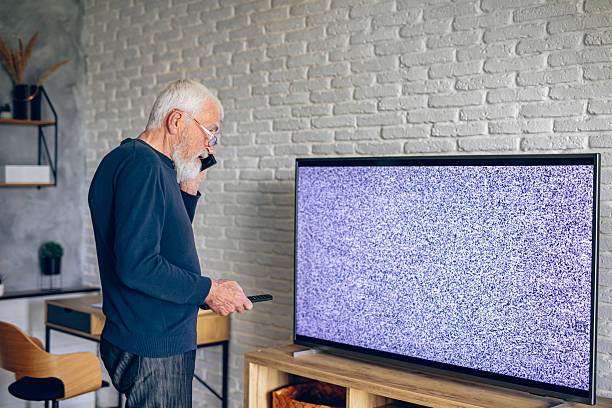
Sugedo televizorius? Nesiskubinkite pirkti naujo – mes jį sutaisysime!
„TechRemontas” komanda jau daugelį metų specializuojasi visų tipų televizorių remonte. Nesvarbu, ar tai LED, OLED, QLED, LCD ar plazminis televizorius – mūsų patyrę meistrai diagnozuos gedimą ir profesionaliai jį pašalins.
Kodėl rinktis mus?
✅ Diagnostics – tiksliai nustatysime gedimo priežastį
✅ Greitas remontas – daugumą gedimų pašaliname per 3-5 darbo dienas
✅ Garantija darbams – visiems atliktiems remonto darbams suteikiame garantiją
✅ Konkurencingos kainos – kokybiškas remontas už prieinamą kainą
Šaliname įvairius gedimus:
- Nėra vaizdo arba garso
- Mirksintis ar tamsus ekranas
- Neįsijungia televizorius
- Matricos, inverterio, maitinimo bloko gedimai
- Software problems
- We repair ECG, eSTAR, Finlux, Haier, Hitachi, Kruger & Matz, LG, Manta, Muse, Panasonic, Philips, Samsung, Sencor, Sharp, Shivaki, Sony, Thomson, TV Star TVs
Aptarnaujame klientus Vilniuje, Kaune, Klaipėdoje ir Šiauliuose – susisiekite jau šiandien ir grąžinsime jūsų televizoriui antrą gyvenimą!
If you are insured, we can issue a repair certificate to the insurance company.
- Vilnius – Kareivių g. 11A “RIMI” +370-655-77057
- Kaunas – Savanorių pr. 155 +370-639-69600
- Klaipėdoje – Sausio 15-osios g. 13 +370-647-07741
- Šiauliuose – Gegužių g. 30 “Arena” +370-682-29052
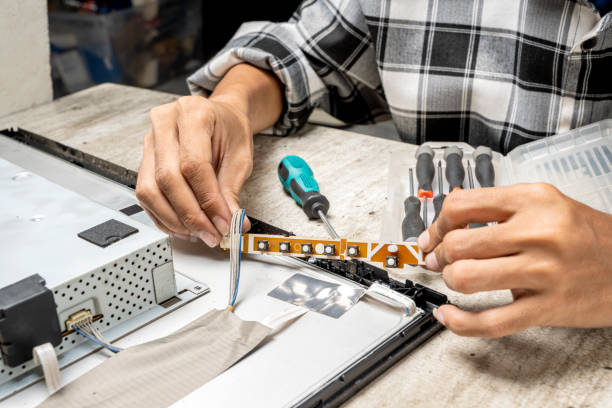
Reasons why customers most often need TV repairs
1. The TV picture is blurry or there is interference on the TV screen
If you see the TV picture flickering, it may simply be that the video signal is not of good quality due to the position of the antenna or the speed of the internet at which the TV is being delivered. This is especially likely if the TV picture looks as if it has been cut into many small squares. The first thing you should do is to check all the connections between the TV set, set-top box or other device from which the picture is being viewed. Make sure that all connections to and from the TV are fully switched on. If lines are still visible on the TV screen, you should first contact your TV service provider.
2. The LED, OLED, QLED or plasma TV has cracks or lines
If lines appear on your TV, first turn on the TV menu. If you still see lines running through the video screen in the menu, or if the screen is cracked, it's the fault of the screen itself. Unfortunately, this repair is not cost-effective. Check whether you still have an extended warranty or insurance and whether this warranty will replace the TV if there are lines on the screen. When the TV screen is damaged by physical impact, most warranties do not cover replacement of the TV screen. In this case, we are usually contacted to issue a a repair certificate for the TV.
3. The TV turns on but doesn't show a picture
Viena iš dažniausiai pasitaikančių televizoriaus problemų, kai klientas įjungia televizorių, tačiau ekrane nerodomas joks vaizdas. Tai gali lemti kelios skirtingos priežastys. Pirma, gali būti, kad televizorius įjungtas ne į tą įvesties jungtį. Paimkite televizoriaus nuotolinio valdymo pultą ir paspauskite mygtuką, ant kurio parašyta „šaltinis”, „įvestis” arba „TV/video”. Mygtuką spauskite tol, kol išbandysite visas įvestis. Jei televizorius buvo įjungtas į netinkamą įvestį ir kelis kartus paspaudėte įvesties mygtuką, vaizdas ekrane galiausiai turėtų atsistatyti. Jei problema neišsisprendę, televizorių remontą patikėkite „TechRemonto” specialistams.
4. An echo can be heard
What happens if you hear an echo when you turn on the TV? In this case, you probably have a problem with your separate sound system. If you are using a surround sound system or a sound bar, it is possible that the sound is amplified both on the TV speakers and through the external sound system. If the volume is turned up on the TV speakers, the TV is playing the sound simultaneously with the external speakers, but with a delay, resulting in an echo. If you have paid for a separate sound system, you will have to turn down the volume on your TV to hear the home cinema speakers. To cancel the echo, you can simply mute, unmute or turn down the TV sound. If you continue to have problems with your sound system, contact our TV repair shop.
But there are other reasons why you hear the sound late. For example, you may see a person's mouth moving, but the sound is delayed. Find your TV's sound settings and adjust the sound delay settings. Once you have done this, the TV picture and sound should be back in sync.
5. TV not connecting to the internet
Smart TVs require a strong internet connection. Without a proper internet connection to your TV, you won't be able to stream your favourite shows on Hulu, Amazon or Netflix. Your TV may not connect to the internet properly if you've just installed a new smart TV, the power has gone out or you've changed internet providers. Many smart TVs come with a troubleshooting test you can run to find out why the internet isn't working properly. You can also try resetting your internet router to see if that helps fix the problem. If nothing helps, you can try restoring the TV to factory settings before taking it in for repair.
Contact our experienced TV repair experts today
Jei išbandėte aukščiau minėtus sprendimus, bet televizorius vis tiek veikia netinkamai, jums reikia patyrusio televizorių meistro. „TechRemontas” visiems savo klientams atlieka diagnostiką ir greitai pateikia televizoriaus gedimų ir remonto darbų sąmatą. Jei jūsų televizorius veikia netinkamai ir reikalingas televizorių remontas, mes galime padėti.