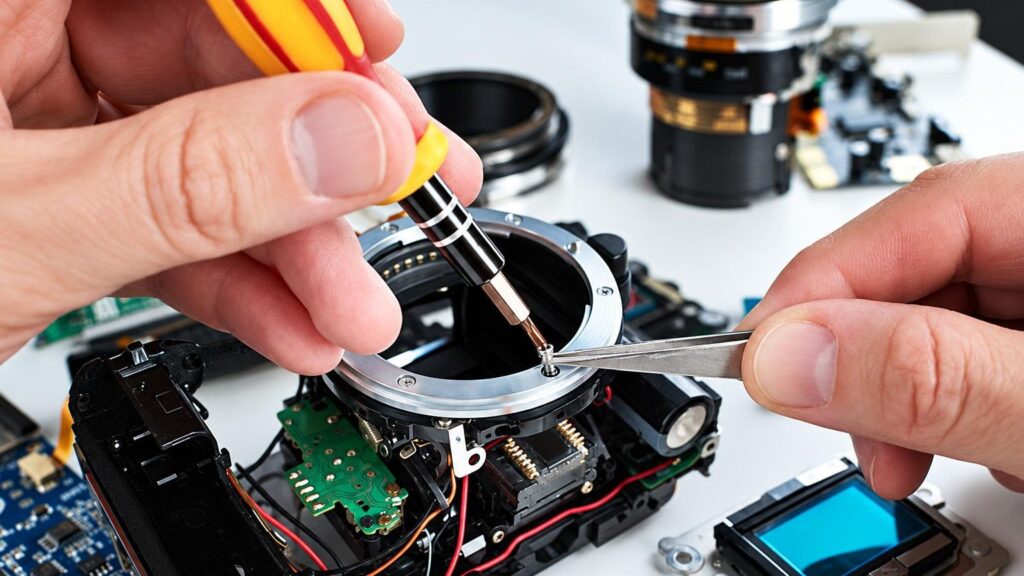
Below are the symptoms for which cameras are most often brought to us. First we describe what you can check yourself, and then what the technician does.
01from 60 €
The camera does not focus or focuses poorly
WhyMost often the cause is light that is too dim or a single-colour surface without contrast, such as the sky or a white wall. If that is not the case, the focusing system, the lens motor or the contacts may be dirty or faulty.
Check it yourselfIlluminate the subject with a flashlight, photograph a high-contrast edge, switch to manual focus, and check that the manual focus switch on the lens has not been turned on by accident.
What we doThe technician tests focusing with different lenses, cleans the contacts and the mechanism, and, if necessary, adjusts or replaces the focusing part.
02from 30 €
Photos are blurry or smeared
WhyMost often the shutter speed is set too slow (slower than about 1/60 s) and the hands shake, or the focus was missed. Sometimes the cause is a dirty lens or sensor, and more rarely a faulty stabilizer.
Check it yourselfIncrease the ISO, open the aperture, use a tripod and wipe the front glass of the lens with a microfibre cloth. Try another lens.
What we doWe check whether the blur appears across the whole frame or only in a corner, clean the optics and the sensor, and check the lens alignment and the stabilizer.
03from 25 €
Photos are too bright or too dark
WhyThe most common cause is exposure compensation turned on by accident (the “+/–” button). We had a customer whose new camera’s photos were too bright solely because of this function, although the warranty centre found no fault. If the settings are in order, the aperture or the shutter may be faulty.
Check it yourselfSet the exposure compensation to 0, check the metering mode and take photos with another lens.
What we doWe check the settings and the operation of the shutter and the aperture, and determine whether the fault is mechanical. If there is no fault and a setting is to blame, we tell you so.
04from 35 €
The camera does not turn on
WhyThe battery may be discharged or worn out, the battery contacts may be dirty or bent, there may be oxidation after exposure to moisture, or an electronics fault. If the camera was previously splashed with liquid or dropped, the cause may be unrelated to the battery.
Check it yourselfTry another charged battery and another charging cable or charger, and make sure the battery is inserted correctly. If the camera got wet, do not turn it on – bring it to the service point as soon as possible.
What we doWe check the power supply and the contacts, repair or replace the battery slot, clean off oxidation and determine whether the board is damaged.
05from 35 €
The camera does not write to the memory card
WhyMost often the card is damaged, full, locked or formatted with an unsuitable file system. More rarely the camera’s card slot or contacts fail, especially if the card was pulled out with force.
Check it yourselfTry another card, format it in the camera itself (after transferring your photos beforehand) and check the lock switch on the card. You will find more tips in the article about card errors.
What we doWe check the slot contacts, replace or repair the slot and, if necessary, restore the firmware.
06from 25 €
Spots or dark dots are visible in photos
WhyAlmost always it is dust or grease on the sensor or on the rear lens element. The spots are visible when the aperture is closed down, for example to f/16, and you photograph a bright sky.
Check it yourselfPhotograph a white sheet of paper at f/16 and see whether the spots appear again with another lens. Do not wipe the sensor yourself, as you could scratch it.
What we doThe sensor is cleaned with special tools, and the sensor filter and the inside of the lens are checked.
07from 80 €
The shutter sticks, frames are half black or a strange sound is heard
WhyThis is most often worn or stuck shutter blades, a broken spring or a problem with the mirror mechanism. Cameras that are used a lot for shooting encounter shutter problems more often.
Check it yourselfTry different shutter speeds: if the problem occurs only at short or only at long speeds, that is useful information for the technician. Do not disassemble the camera.
What we doDuring diagnostics we measure the shutter speeds, replace the shutter mechanism or its parts, and check the operation of the mirror.
08from 50 €
Camera has been splashed with liquid, dropped in water or exposed to sand
WhyWater and sand damage the electronics, lens mechanisms and contacts. Oxidation may not appear immediately but after a few days, so the camera sometimes keeps working for a while.
Check it yourselfTurn off the camera, do not switch it on again and do not use a hair dryer. Bring it to the service centre as soon as possible.
What we doWe disassemble the camera, clean the board and contacts, determine what is damaged, and only then tell you the repair price.
09from 60 €
Lens does not extend, shows an error or the aperture does not work
WhyIn a compact camera, the most common culprit is a mechanism jammed by sand or an impact. In an interchangeable lens, the contacts or the aperture control part may be faulty.
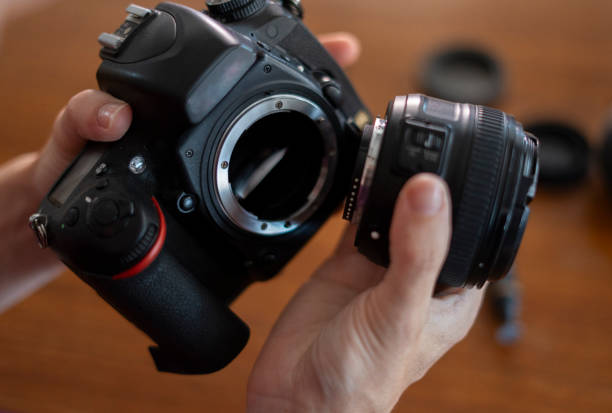
Check it yourselfCheck that the lens is properly locked in place, wipe the contacts with a dry cloth and try a different camera body or lens.
What we doWe inspect the lens mechanics and contacts, clean, repair and replace parts.
10
Phone camera not working
WhyIt may be a software error, a frozen app, or a camera damaged by an impact or water. On some models, the image may turn black or show spots.
Check it yourselfRestart the phone, close all apps, try the camera and clean the lens glass. If that does not help, diagnostics are needed – read our phone repair page.
What we doWe check the camera module, connectors and software, and replace the module or restore the system.
11from 50 €
Broken screen or viewfinder not working
WhyThe screen usually breaks from an impact, while the viewfinder may stop working because of a faulty sensor, cable or the module itself.
Check it yourselfTry switching between the screen and the viewfinder, and check that the viewfinder sensor has not been turned off.
What we doWe replace the screen or viewfinder and check the connectors and cable.